Auto-backed up from Lexaloffle BBS. Original: https://www.lexaloffle.com/bbs/?tid=148672
About
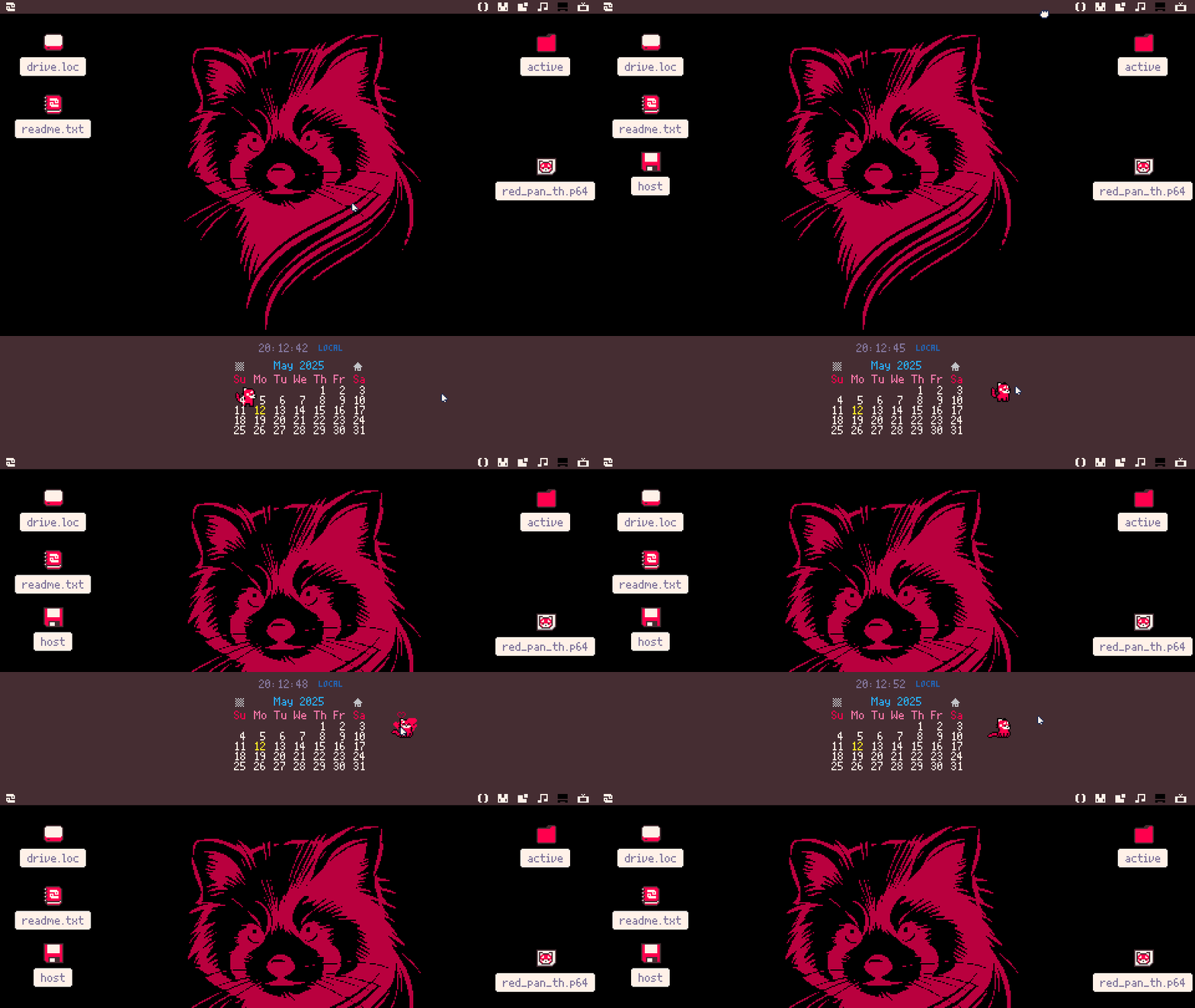
I often find myself resetting Picotron whenever my filesystem gets a bit messy - and I have this totally irrational fear that I’ll break something (I’m on Linux, btw). So, for convenience, I created a cart that sets up Picotron just the way I like it with a single click.
Then I thought - maybe others would find this useful too. Whether you’re looking to design your own theme with predefined widget positions or just want a quick start with a custom setup, this could help. So, I released it as the “Widget Edition” of my Red Panda theme.
Credits
-
Calendar Widget – created by Arnaught
-
Red Panda Tamago – artwork and animation by Nizart
Big thanks for letting me include your amazing carts!
Installation
Note: This version will remove all of your widgets. If you’re only looking for the theme or wallpaper, refer to THIS POST.
- Open the Picotron Terminal
- Run
load #red_pan_th -uto load the cartridge - Run
save /desktop/red_pan_th.p64to save it - Double-click the cart on your desktop to run it!
This prevents the installer from being sandboxed.
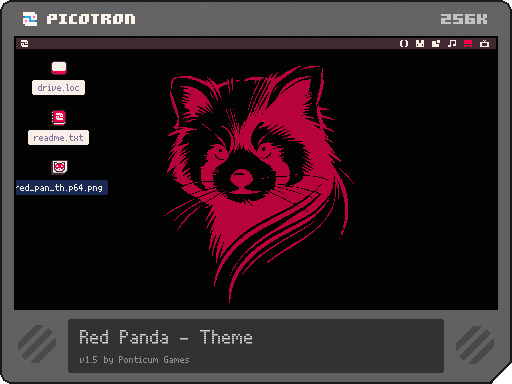
- You can also download the cartridge from here, but for guaranteed success, I recommend following the instructions above.